We have updated the Menu functions when using the MyTimesheets Personal App (logged in via email)
You can watch a video of how the menu functions work here – Access your MyTimesheet data + more when using the MyTimesheets Personal App
Use the Menu Button to access additional functions …
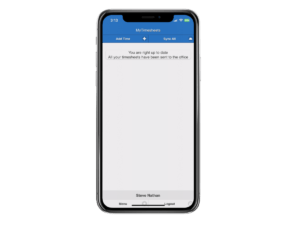
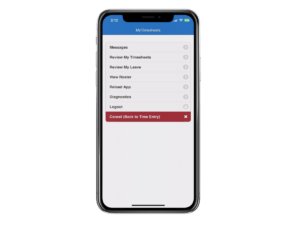
Send and Receive Messages: This will allow you to send and receive messages to and from your manager.
Review My Timesheets: This button will allow you to see your timesheet data for the week. There is also a Notify/Message button that you can use to send a to a manager. In some cases, you may also be able to add data using the Add button.
Review My Leave: If enabled, this button will allow you to apply for Leave, see your current Leave balance and message a manager.
View Roster: If enabled, this button will allow you to view your Roster apply for Leave and message a manager.
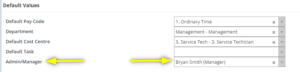
Note: We have added a new feature whereby when staff use any of the Message Buttons, the message will be sent to their Default Amin/Manager via a notification in the MyTimesheets Management portal. It will also send an Email. If the employee does not have a default admin set, they can select from a list of Admins or swap to a different Admin.
This default Admin is set in the Employee Masterfile Screen